How to manage Projects Settings Tab in KEBS Project Management
Learn to tailor your project settings to align with your unique project requirements.

Learn to tailor your project settings to align with your unique project requirements.
Explore the planning board features, which enable you to efficiently organize tasks and resources.
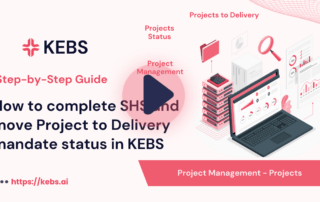
Discover the power of streamlined processes and precise financial controls, ensuring your projects stay on budget and on schedule.
Explore the intricacies of reviewing project plans, making informed decisions, and steering your projects toward success.
Learn to effortlessly navigate through your project's planning board, ensuring every activity is tracked with precision.
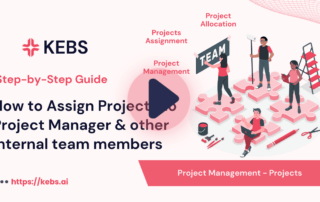
Learn how to assign roles, delegate tasks, and foster collaboration within your projects.
We'll cover defining project details, setting objectives, allocating resources, and much more.
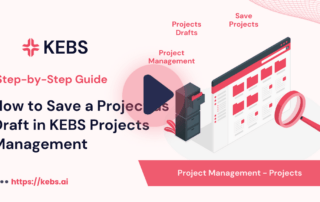
Whether you're in the initial planning phase or making vital updates, knowing how to save your project as a draft is a key skill.
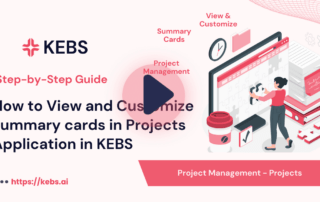
Learn how to tailor your project dashboard with summary cards, ensuring that the most relevant information is at your fingertips.
We'll demonstrate how to effectively navigate the Projects application and use filters to sort, search, and manage projects according to your specific needs.



© KEBS . All rights reserved.